What is 5G?
How does 5G work?
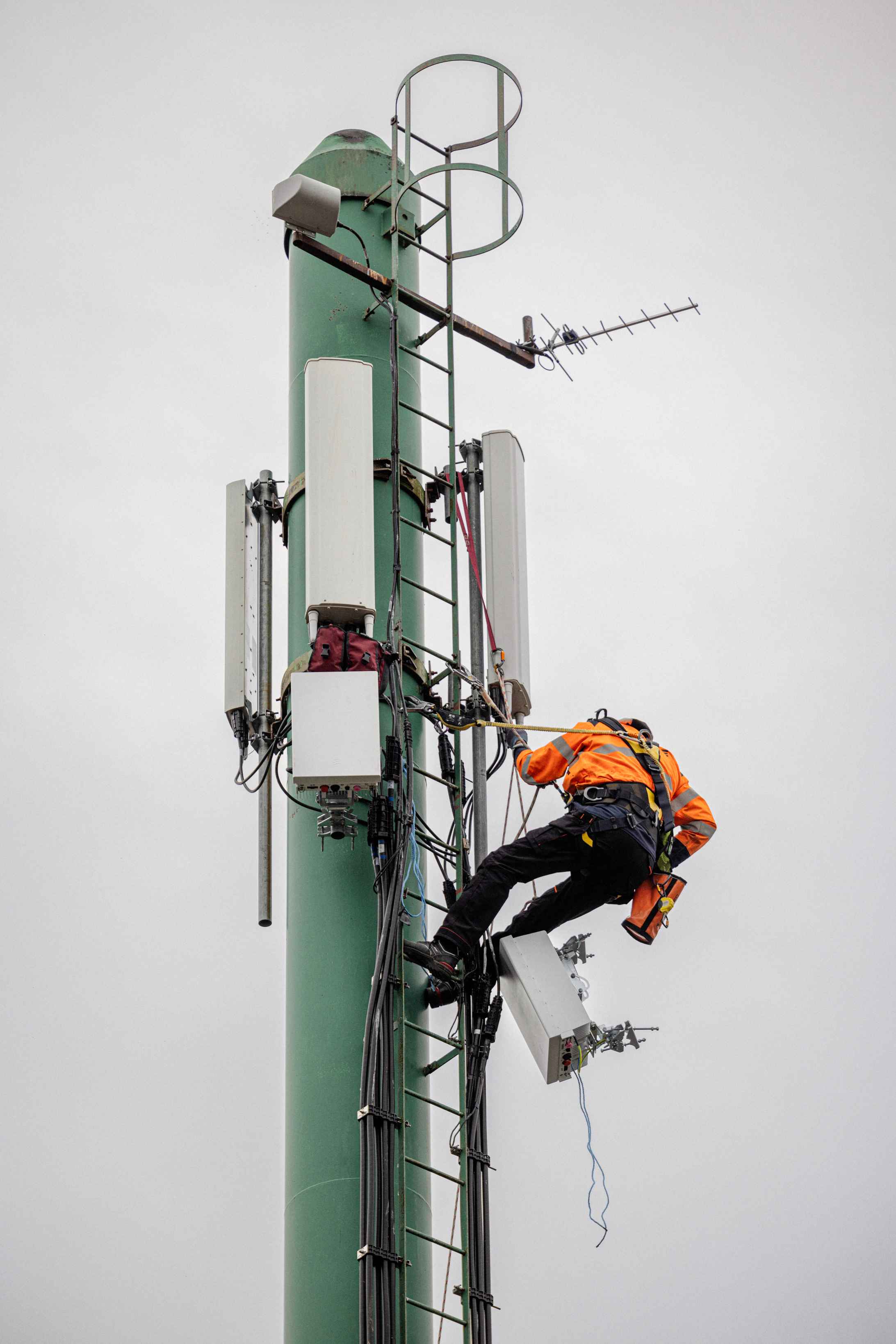
It works in the same way as previous 2G, 3G and 4G generations of mobile technology. 5G connects your mobile phone or other devices to the mobile network and thus the internet. For example, your mobile phone automatically connects to the mobile network from a built-in antenna in the mobile phone to the mobile masts, which send signals to your phone.
Where can I get 5G?
Today you can get 5G in these 10 cities: Nuuk, Maniitsoq, Narsaq, Qaqortoq, Paamiut, Nanortalik, Qasigiannguit, Aasiaat, Ilulissat, Sisimiut.
We are constantly working to expand and improve our network. Follow this page, and our social media, for information on when 5G will arrive in your area.
*Not valid in satellite towns and settlements
Who is building 5G networks in this country?
It is Tusass, in collaboration with Ericsson, that is building the 5G mobile network in Greenland.
What is the difference between 2G, 3G, 4G and 5G?
Unlike previous generations of mobile technology that focused on voice connection with data as a secondary service, 5G is designed to handle ever more customers and their ever-increasing need for internet access
See more about differences between the two technologies and networks from our partners here: Ericsson
What are the benefits of 5G?
• Speed: With 5G, we go from talking about Mbit to Gbit. With higher speed, it will be possible to stream entertainment, use online services and other things without waiting time.
• Bandwidth: The 5G network has such a large bandwidth or capacity that our national needs are well covered both today and well into the future.
• Energy consumption: When our 5G network is fully developed, it will use 5 times less energy than our current 4G network.
• Security: the 5G network's large bandwidth will make it much more stable and secure than the 4G network.
Is 5G dangerous?
No, 5G is not dangerous. According to the Danish Health Authority, the EU and the WHO, 5G is neither dangerous nor harmful to health. Research in the field shows that there is no particular risk associated with 5G technology.
The majority of the frequencies we use for 5G are the same as previously used for 3G and 4G. International rules and limit values for radio waves and radiation have been set, which both Tusass and our suppliers of 5G equipment follow.
Should you change my modem?
Yes, it is new technology that requires a modem change.
Find setup instructions for your ORBI modem 5G here

Orbi Setup Guide
For Reseted or Reused Modems.
Read guide
1. Open the Orbi App
Use your mobile or tablet.
2. Start setup
Press CONTINUE.
3. Select device
Select LTE Orbi.
4. Satellite selection
Select NO SATELLITES.
5. Continue
Press NEXT twice.
6. Connect to device
The app will connect automatically. Press NEXT when ready.
7. Status check (This checks SIM and LTE)
If it fails, select Manual APN setting.
Enter APN
APN Value: mfinternet
(Username and Password are not required)
Press NEXT.
8. WiFi name and password
You can change it here. Press NEXT.
9. Create an admin user
The admin password has different criteria that must be met.
Example:
- It must be between 10-32 characters.
- It must contain UPPER and lowercase letters and numbers.
10. Security Questions
Create 2 recovery questions.
Example:
- I was born in Nuukk
- My mother was born in Qasigiannguit.
11. Network Search
The app will now search for networks.
12. Connect to WiFi
If you have changed the name, connect to the new one. Press CONTINUE when connected.
13. Update Check
Orbi will search for software updates. If there are none, press NEXT.
If you are asked to fill in information for Netgear – Fill in with.
14. Done!
The front page now shows:
- If it states ONLINE – you are now connected to the internet.
TIP
Save your security questions and admin information in a safe place.